HackHub Ultimate Hacker Simulator HackHub Mid-Season Patches — Aug–Sep 2026
From automatic save backups in 1.1.0 through Online World rules and quest fixes in 1.3.11.
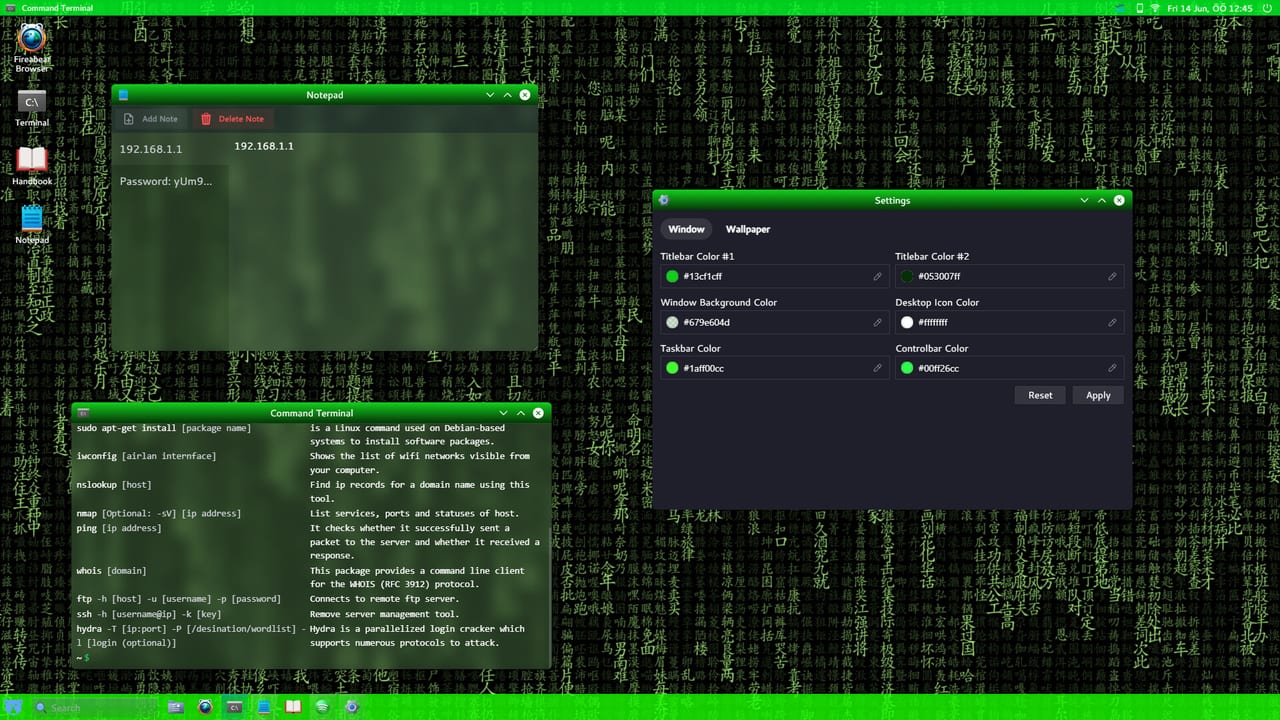
Between the early post-1.0 cluster (1.0.12–1.0.19) and HackHub 2.0 (October 30, 2026), HotBunny shipped a mid-season patch line on Steam app 2980270: 1.1.0 (August 25), 1.3.0 (September 16), 1.3.1 (September 18), and 1.3.11 (September 27). These builds hardened saves, added an in-game world clock, polished multiplayer/browser QoL, and closed story softlocks ahead of the 2.0 rebuild. This page summarizes official Steam news for operators who jumped from August 1.0 straight into autumn builds.
Randomized mission values stay per-save. Focus on systems — backups, clocks, browser privacy, Online World rules acceptance, and mail trash behaviour.
Timeline
| Version | Date | Headline |
|---|---|---|
| 1.1.0 | Aug 25, 2026 | Automatic save backups, sealed saves, quest unsticks, connection error clarity |
| 1.3.0 | Sep 16, 2026 | In-game world clock driving day systems; major save-file bug closures |
| 1.3.1 | Sep 18, 2026 | Firebear incognito windows; Journalist’s Sister softlocks; menu hover reasons |
| 1.3.11 | Sep 27, 2026 | Online World rules acceptance; GoMail trash restore/delete forever; mod-dev mode |
Bug Bounty DLC was announced October 6 for an October 30 launch — see Bug Bounty and HackHub 2.0.
Patch 1.1.0 — backups and quest recovery
Steam notes for 1.1.0 highlight reliability:
- Automatic save backups with a Backups section on the Load screen; the game offers restore when a save goes missing.
- Quitting no longer drops the last few actions.
- Save files are sealed against outside money edits.
- Many stuck quests unstick: objectives that only counted GUI downloads, files kept on rented servers, quests that stopped starting on long playthroughs, and quests left behind by removed mods.
- Eppenstein leak now publishes on the news site; Game Leak objectives no longer vanish — pair with Eppenstein Files.
- Sessions no longer expire under you (multiplayer and
git cloneused to die until restart). - Connection errors name what to allow when something on your network blocks the game.
Operators recovering from “lost progress” after cloud imports should check the Backups tab before creating a new game.
Patch 1.3.0 — world clock and save surgery
1.3.0 gives the game world a calendar clock that runs considerably faster than real time and drives the day system plus everything that waits on time passing. HotBunny also closed most reported save-file problems thanks to community repro steps. If contracts, rentals, or day-gated content felt stuck before mid-September, update past 1.3.0 before assuming a softlock.
Patch 1.3.1 — incognito and story softlocks
1.3.1 focused on multiplayer/save fallout from 1.3.0 and story progression:
- Incognito windows in Firebear (singleplayer): sign-ins and cookies drop when the window closes and are never written to your machine. Shared-world site accounts cannot stay private the same way.
- Greyed-out Play / New Game / Load buttons now explain on hover why they are unavailable.
- Internal network reshuffles on restock still require remapping paths.
- Two Journalist’s Sister softlocks closed — re-check Journalist’s Sister if Parts stalled after 1.3.0.
- Blank-save load bugs after updates, cloud imports, or creating a new game then quitting before play were fixed.
Patch 1.3.11 — Online World rules and GoMail trash
1.3.11 is a smaller but important Online World / QoL drop:
- Online World rules screen — read to the end and accept before the desktop opens; decline returns to the menu. The same text lives in the Handbook under Online World. Material rule changes ask for re-acceptance.
- GoMail trash gains restore, delete forever, and Empty trash. Delete forever only works from trash so inbox misclicks cannot purge mail; purged mail stays in the save so quests can still find it.
- Mod dev mode — start with
--mod-devorHACKHUB_MOD_DEV=1so a rebuilt local mod reloads into the save you were testing (see Content SDK and Workshop). - Images and video on sites you host in Online World must come from a public host.
How this era connects to 2.0
Mid-season patches stabilized the 1.0 Online World and save pipeline that 2.0 later rebuilt. If you are updating from August 2026 builds in one jump:
- Install through 1.3.11 (or latest 1.x) before trusting old save backups.
- Accept Online World rules when prompted.
- Then update to 2.0 / 2.0.22 and re-learn RabbitOS, HackPass, and Online World 2.0 defense tools.
- Re-verify Workshop mods after each major jump.
Related pages
- Post-1.0 Patches — August 1.0.12–1.0.19 cluster.
- Full Release 1.0 — August 1 launch.
- HackHub 2.0 — October 30 rebuild.
- Multiplayer — Online World behaviour across versions.
- Troubleshooting — save and objective recovery habits.
- Updates Hub — full timeline index.
Keep personal scan notes per save. These mid-season builds fixed systems and softlocks; they did not freeze mission seeds into permanent spoilers.
Frequently Asked Questions
Quick answers to common HackHub questions.
Which HackHub patch added automatic save backups?
Patch 1.1.0 on August 25, 2026 added automatic backups and a Backups section on the Load screen.
What did patch 1.3.0 add?
An in-game world clock that drives day systems, plus a large round of save-file bug fixes.
Are Firebear incognito windows available in multiplayer?
Incognito windows from 1.3.1 are singleplayer-focused. Shared-world site accounts cannot be kept private the same way.
Why does Online World ask me to accept rules?
Patch 1.3.11 requires reading and accepting Online World rules before the desktop opens. Material rule changes prompt again.
Should I install 1.3.x before HackHub 2.0?
If you still have August 1.0 saves, updating through 1.3.11 first is the safest path, then move to 2.0+.