HackHub Ultimate Hacker Simulator HackHub Terminal Commands Reference
Shell syntax, networking utilities, and mission-ready examples for every operator.
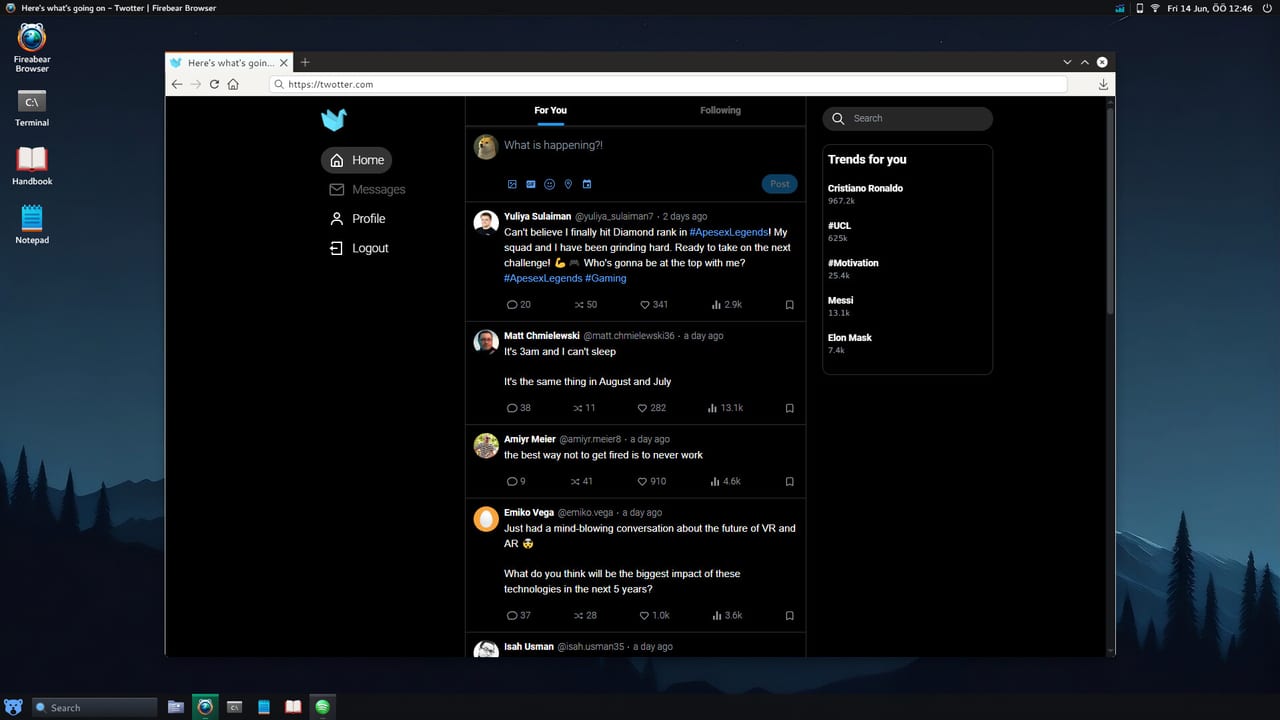
The terminal is the spine of HackHub Ultimate Hacker Simulator. HotBunny modeled it after a compact Linux environment: you get a prompt, standard streams, path completion on many builds, and a growing set of packages unlocked through missions, the in-game store, or post-1.0 Workshop content. Nothing here requires a real Linux install—Steam app 2980270 bundles the entire shell inside your virtual desktop.
Because missions randomize subnets, hostnames, and credentials, treat this page as a pattern library. Replace placeholder ranges like 10.x.x.0/24 with whatever address space your briefing shows. The commands stay the same; only the targets change.
Shell fundamentals
Your session starts in a home directory—often /home/operator or similar. These basics appear in nearly every contract from Getting Started onward:
pwd                 # print working directory
ls -la              # list files including hidden
 cd /path/to/dir    # change directory
cat notes.txt       # read a file
nano mission.txt    # edit locally (if installed)
history             # recall prior commands
clear               # clean the screen
Piping and redirection work as you would expect on a real shell:
grep -i "password" *.log | sort -u > findings.txt
nmap -sV target.host 2>&1 | tee scan.log
Use man command when the in-game manual is installed. If man is missing early on, command --help usually still prints usable flags.
Networking and recon commands
Before you open the dedicated Nmap Scanning Guide, you will lean on lightweight utilities:
ifconfig            # or ip addr — find your VM address
ping -c 4 GATEWAY    # test L2/L3 reachability
 traceroute HOST     # map hops toward a target
dig @DNS SERVER example.internal   # DNS lookup when missions provide a resolver
whois DOMAIN        # registration hints on OSINT tasks
Replace GATEWAY, HOST, and SERVER with values from your network panel—not from a video thumbnail. A common Early Access mistake is pinging 192.168.1.1 out of habit when the briefing assigned 172.16.x.x.
For a structured sweep, graduate to Nmap:
nmap -sn 10.42.0.0/24          # discovery only
nmap -sV -p- TARGET            # full port + service scan
Document results in a text file; later Metasploit module picks depend on accurate service names.
File system, search, and exfiltration
Story beats such as Journalist’s Sister often hide clues in log directories or user desktops:
find / -name "*.conf" 2>/dev/null
grep -R "api_key" /var/log/
strings binary | less
base64 -d payload.txt > decoded.bin
scp user@host:/remote/file ./local/
When missions require uploading proof, scp, curl, or in-game FTP clients may appear. Always check whether the contract wants a hash, a file, or a screenshot flag—uploading the wrong artifact fails even if the shell command succeeded.
Process and service management
After exploitation you may land on a machine with odd services running:
ps aux | grep suspicious
ss -tulpn             # listening ports
systemctl status NAME # on systemd-themed hosts
kill PID              # stop a rogue process when the mission allows
These commands support post-exploitation cleanup and lateral movement prep. They pair with Metasploit sessions when you need an shell but want native tooling for stealth segments.
Package installation and environment
Some tools ship locked until you buy or unlock them:
sudo apt update
sudo apt install nmap hydra john
which hashcat
hashcat --version
If sudo rejects your password, the mission may expect privilege escalation first—return to enumeration rather than forcing installs.
Environment variables matter for listeners and scripts:
export LHOST=$(hostname -I | awk '{print $1}')
export LPORT=4444
msfconsole -q -x "use exploit/...; set LHOST $LHOST; run"
Using hostname -I keeps payloads aligned with randomized VM IPs.
Scripting hooks and Code++
Manual commands remain the tutorial path, but 1.0 players often wrap repeated sequences in Code++ or pull utilities from Steam Workshop. Under the hood those scripts invoke the same binaries documented here. Learn the raw commands first so you can debug automation when a random seed changes port order or renames a service.
Safety and scope boundaries
HackHub commands affect only the simulated VM. Typing destructive real-world patterns (rm -rf / on your physical OS) is outside the game’s scope. Multiplayer/PvP added August 1, 2026 still uses the same sandbox—other players are targets in authored scenarios, not your home router.
Command cheat sheet by mission phase
| Phase | Example commands | Next wiki page |
|---|---|---|
| Orientation | pwd, ls, cat brief.txt | Getting Started |
| Discovery | ping, nmap -sn | Nmap |
| Enumeration | nmap -sV, dig, enum4linux if installed | Nmap |
| Exploitation | msfconsole, search exploit | Metasploit |
| Credential access | hydra, hashcat, john | Password Cracking |
| Proof | scp, curl -T, in-game upload UI | Updates Hub for patch notes |
Troubleshooting
Tab completion fails. Paths may be case-sensitive; type slowly and verify with ls.
Permission denied on logs. You need root or a stolen credential—check Password Cracking for hash captures.
Command missing after 1.0 update. Read Full Release 1.0 notes; some packages moved to optional Workshop bundles.
Work one mission using only this reference—no copied IPs—and you will internalize the command set HotBunny expects across the full campaign and online modes.
Frequently Asked Questions
Quick answers to common HackHub questions.
Is the HackHub terminal identical to real Linux?
It is a faithful subset. Core navigation, pipes, and many networking tools behave like Linux, but paths and packages are tuned for game missions.
How do I find my VM IP for listeners?
Run ifconfig or ip addr on your in-game machine and use the address shown on the mission network—not a fixed value from old guides.
Can I automate these commands?
Yes. Code++ and Steam Workshop scripts call the same binaries. Learn manual syntax first so you can fix scripts when layouts randomize.
Where do I go after mastering basics?
Move to the Nmap guide for structured scanning, then Metasploit for exploitation chains.