HackHub Ultimate Hacker Simulator Cryptographer Hunt Walkthrough
Phone OSINT, company research, and bank-transfer fiction — process only, never fixed numbers.
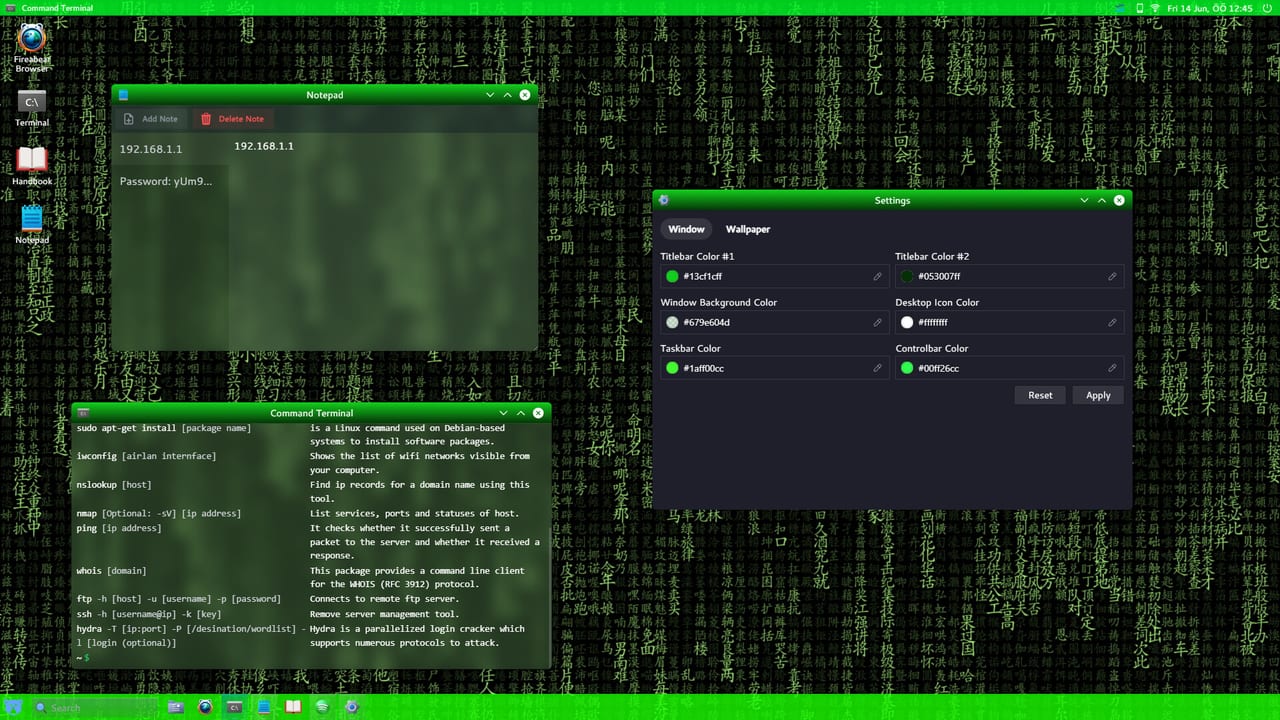
Cryptographer Hunt (also called Crypto Hunter in some Early Access discussions) is a paid side contract in HackHub Ultimate Hacker Simulator that trains social-engineering and OSINT habits before you tackle heavier story beats like The Journalist’s Sister. HotBunny randomizes names, company brands, Twotter handles, phone numbers, and bank identifiers per save — so this guide teaches a repeatable process, not a pasteable answer key for Steam app 2980270.
Treat the job as a chain: identify the target on social media → resolve a company or brand clue with lynx → capture a phone number with correct formatting → dial through the in-game phone → follow mail/bank fiction to move funds. Softlocks around premature bank drains and phone matching were patched during the 0.9.x Early Access window and remain fixed in 1.0 — update Steam before replaying stuck saves. See Post-1.0 Patches for later QoL and Early Access for when the softlock fixes landed.
When the contract appears
Cryptographer Hunt typically appears on the Hack the Hub / contract board after you finish early onboarding and can use Twotter, lynx, and the phone app. If the board offers a crypto-investigator or cryptocurrency-target job with similar wording, use this process — HotBunny sometimes renames flavour text without changing the pipeline. Pair board economy tips with Hack the Hub and How to Play.
Before you start:
- Open Notepad and enable explicit saves — phone digits vanish when the terminal closes.
- Pin Twotter, Phone, Mail, and Terminal for quick alt-tab (Controls).
- Manual-save before the bank transfer step so you can retry without redoing OSINT.
Step 1 — build the social dossier
Mail or the contract brief names a person of interest. Search that exact spelling on Twotter (case and spacing matter). Read posts until a company, brand, coin ticker, or project name appears — community examples often mention crypto-exchange flavoured brands, but your string is session-specific.
Record in Notepad:
- Target display name and handle
- Company / brand tokens from tweets
- Any email domains or IBAN placeholders mentioned later in mail
Do not advance until the objective panel confirms the social lead. If Twotter returns nothing, try English tokens from the brief even on localized clients — some entities index under English place/brand names (same lesson as Grand Hotel search in Journalist’s Sister).
Step 2 — lynx the company, not the hashtag
Open the terminal and browse the company with the text browser:
lynx CompanyNameFromYourNotesCritical pitfalls that block the phone objective:
| Mistake | Why it fails |
|---|---|
Including # from a Twotter hashtag | lynx expects the bare company token |
| Wrong capitalization | Entity lookup is case-sensitive |
| Searching the person again instead of the company | Phone may live on the brand page |
Passing a full URL with https:// | Strip to the name the brief expects |
Navigate with arrow keys, open contact / about style links, and copy the phone number exactly as displayed. Quit with q when finished. If lynx shows an invalid number string, you likely queried the wrong token — return to Twotter and re-read the brand spelling.
Step 3 — dial with hyphens
Open the Phone app from the desktop (top bar phone icon on many builds). Enter the number including hyphens in the pattern your UI shows — for example 123-456-7890 style grouping. Community softlocks almost always come from pasting digits without dashes.
Patch history worth knowing:
- Early builds rejected correctly typed digits if dashes/spaces were missing.
- Later 0.9.x notes state phone social-engineering missions accept numbers with or without dashes/spaces — but if your objective stays unchecked, try both formats and re-open the Phone app after a Notepad paste.
- Dialing Bitvista-style exchange numbers in free-trial discussions follows the same rule: the call itself advances the objective, not merely finding the string.
Wait for call dialogue or mail follow-ups before touching the bank. Premature transfers can softlock older saves — HotBunny closed an exploit where players drained the target’s account via OSINT email before finishing phone-phishing steps.
Step 4 — mail, bank login, and transfer fiction
Successful calls typically unlock Goagle Mail (or equivalent) messages with temporary bank credentials and a destination IBAN / wallet fiction. Process:
- Open Mail; save username, password, and destination account to Notepad.
- Launch the in-game banking app or browser login using those credentials — not reused story passwords.
- Transfer the amount the brief requests to the destination shown in mail.
- Confirm the objective checkbox flips; cash out reputation on the contract board afterward.
If login fails, re-check case sensitivity and whether you already transferred on a previous attempt. Do not invent IBANs from YouTube — they will not match your seed.
Softlocks and how to recover
| Symptom | Likely cause | Fix |
|---|---|---|
| Phone objective never checks | Missing hyphens / wrong number | Re-lynx company; dial with dashes; click objective ? hint |
| Bank already empty / cannot progress | Premature drain before phone step | Reload pre-transfer save; finish phone flow first |
lynx invalid phone | Wrong company token or # included | Copy brand spelling from Twotter without hashtag |
| Mission gone after reload | Terminal session not persistent | Re-run Twotter → lynx from Notepad tokens |
| Objective stuck after 0.9 softlock | Old build | Update to 1.0+; see Troubleshooting |
Cryptographer Hunt softlock and bank-drain exploit fixes shipped around patch 0.9.23 (June 2026) alongside phone digit matching improvements in nearby 0.9.x builds. Full release 1.0 (August 1, 2026) carries those fixes forward.
Tools you actually need
- Twotter — social discovery
lynx— text browsing for contact pages (Commands)- Phone app — social-engineering call
- Mail + Bank — credential handoff and transfer
- Optional:
whois/nmaponly if a later variant opens a network host — not required for the classic phone→bank loop
You do not need Metasploit or Hydra for the baseline Cryptographer Hunt. Save those for Port Forwarding chapters and HackTheCube floors.
How this differs from Journalist’s Sister
| Aspect | Cryptographer Hunt | Journalist’s Sister |
|---|---|---|
| Length | Single contract | Multi-part campaign |
| Core skill | Phone OSINT + bank fiction | Evidence chain + exploits |
| Failure mode | Formatting / order of phone vs bank | Softlocks on Parts, NAT, mail attachments |
| Save strategy | One branch before transfer | Multiple chapter branches |
Use Cryptographer Hunt as a warm-up for evidence discipline: if you lose the phone string, you rebuild from Twotter — the same habit that prevents Journalist dead ends.
Multiplayer note
Cryptographer Hunt is a single-player / board style contract. Online procedural companies in 1.0 use different MP commands (openvpn, launder, watch) — do not expect this quest’s phone fiction inside public lobbies. See Multiplayer.
Demo vs full game
Free demo / trial builds historically included crypto-phone style jobs with the same hyphen lesson. Full 1.0 keeps the process and adds board variety; Workshop mods may author similar phone dialogs via the Content SDK.
Practice checklist
- Accept Cryptographer Hunt (or similarly named crypto OSINT job).
- Twotter-search the person; note company brand.
lynx BrandNamewithout#.- Copy phone; dial with hyphens.
- Read mail; bank login; transfer to mail IBAN.
- Confirm board payout; archive Notepad for the next contract.
Related wiki pages
- Hack the Hub — other board contracts and Checkout Override-style workflows.
- Getting Started — desktop and terminal habits.
- Commands Reference —
lynxand shell basics. - Troubleshooting — objective
?and softlock recovery. - Updates Hub — patch context for phone and bank fixes.
Master this short OSINT loop and every later social-engineering beat feels familiar — still without ever trusting a stranger’s phone number online.
Frequently Asked Questions
Quick answers to common HackHub questions.
Why does Cryptographer Hunt reject my phone number?
Enter the number with hyphens in the Phone app, matching the format shown by lynx. Digits-only pastes often fail even when the number itself is correct.
Should I include the Twotter hashtag in lynx?
No. Use the bare company or brand name without #. Capitalization must match your Twotter clue.
Can I drain the bank before calling?
Do not. Older builds softlocked if you moved funds before finishing the phone-phishing steps. Complete the call and mail chain first.
Do YouTube phone numbers work in my save?
No. HackHub randomizes phones, banks, and brands per session. Follow the process and copy values from your own Twotter, lynx, and mail apps.
Was Cryptographer Hunt fixed after Early Access?
Yes. Mid-2026 0.9.x patches fixed softlocks and phone digit matching; those fixes remain in the August 2026 1.0 release.